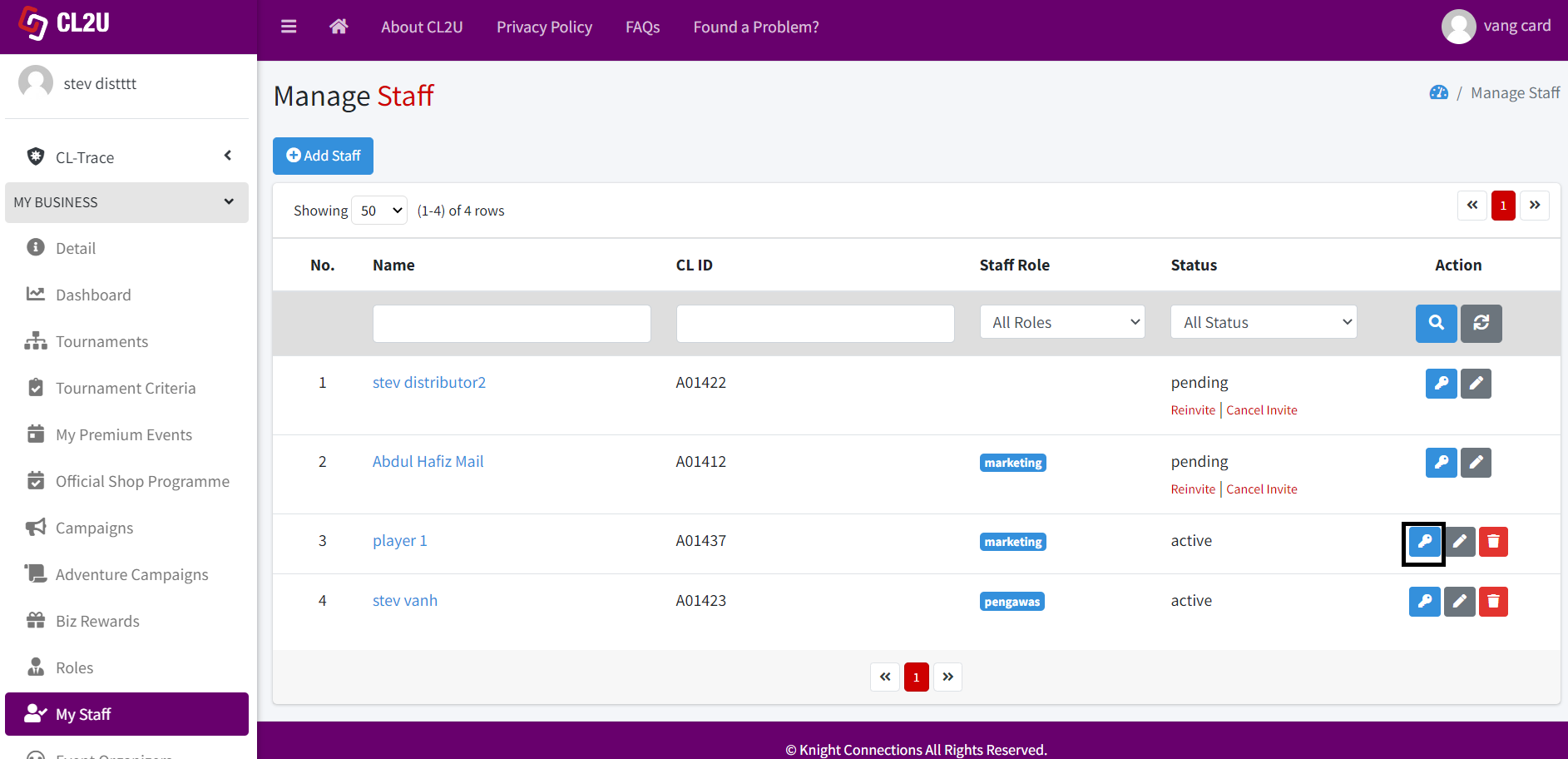
- To grant or restrict access for your staff to events, official shop programmes, and tournaments that have been created by the business owner beforehand, click this button.
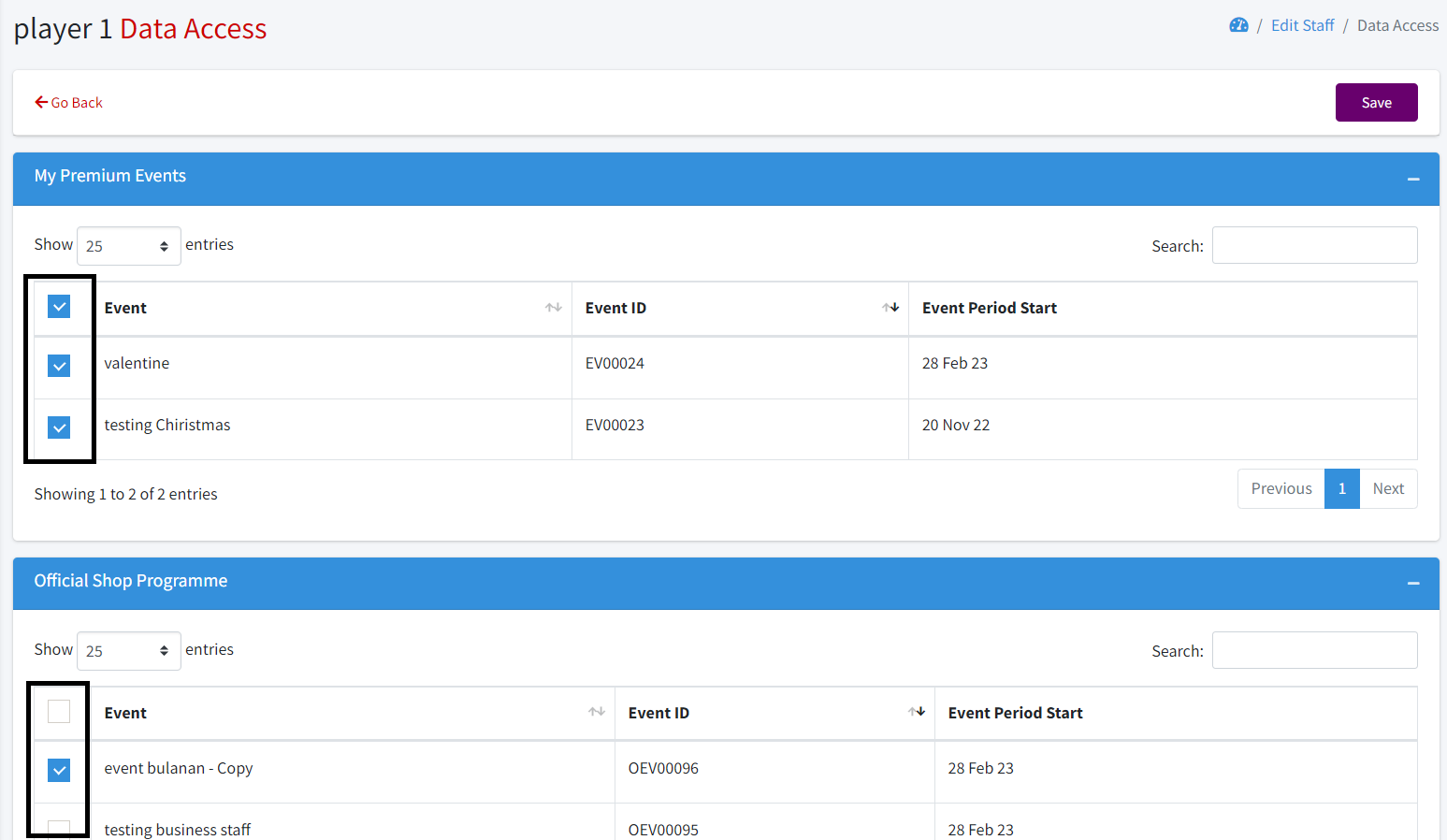
- Once you do, a page will appear where you can check the checkbox to grant access, or leave it unchecked to restrict access. Finally, click the save button.
Note: If you uncheck the checkbox but the roles assigned to the staff have access, the staff member will still have access to the feature despite the checkbox being unchecked.