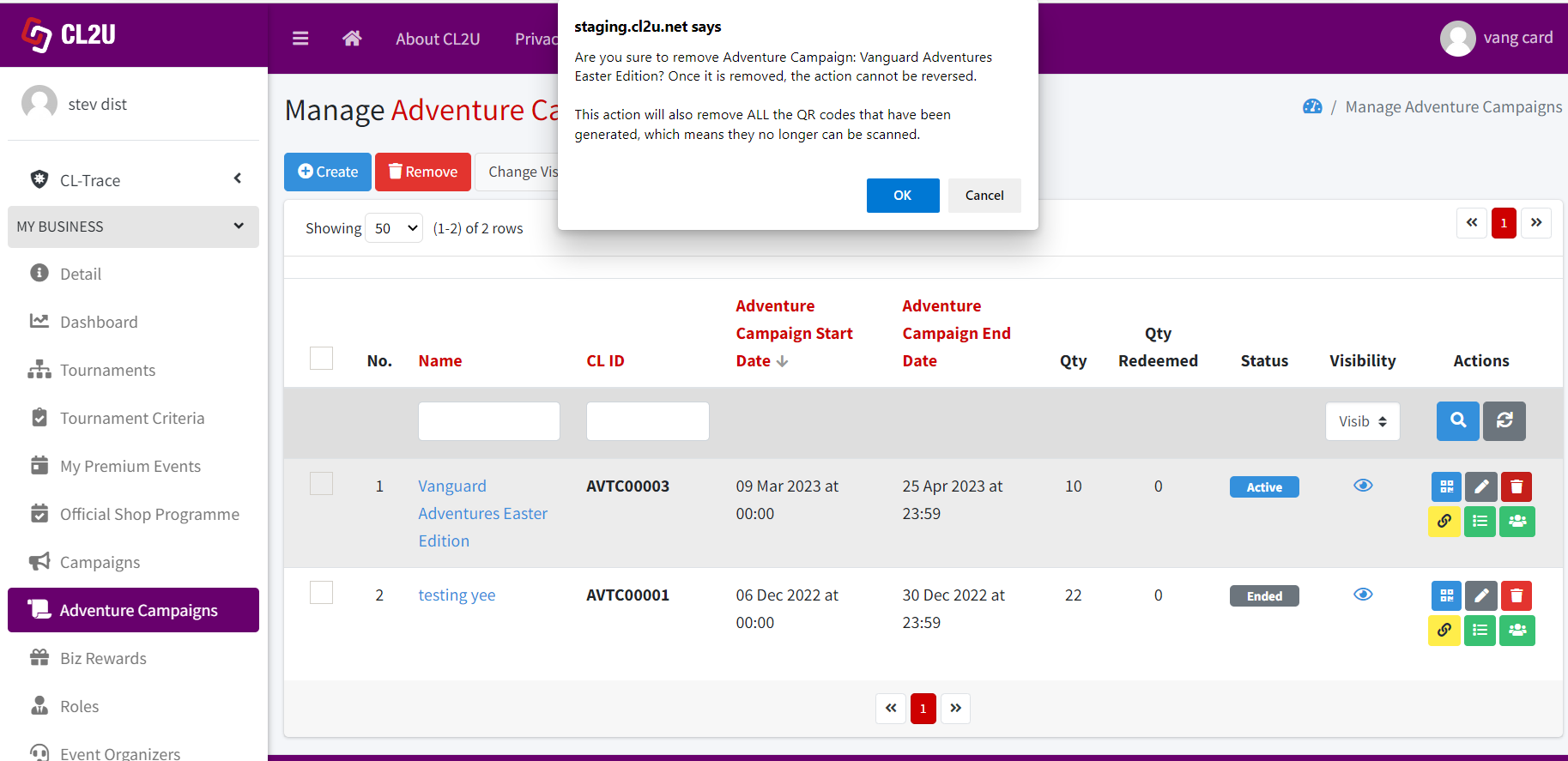
- Choose the adventure campaign that you want to delete. You can delete the adventure campaign by click trash icon (delete individually) or can do bulk delete by ticking the checkboxes of the biz reward and click “Remove” button.
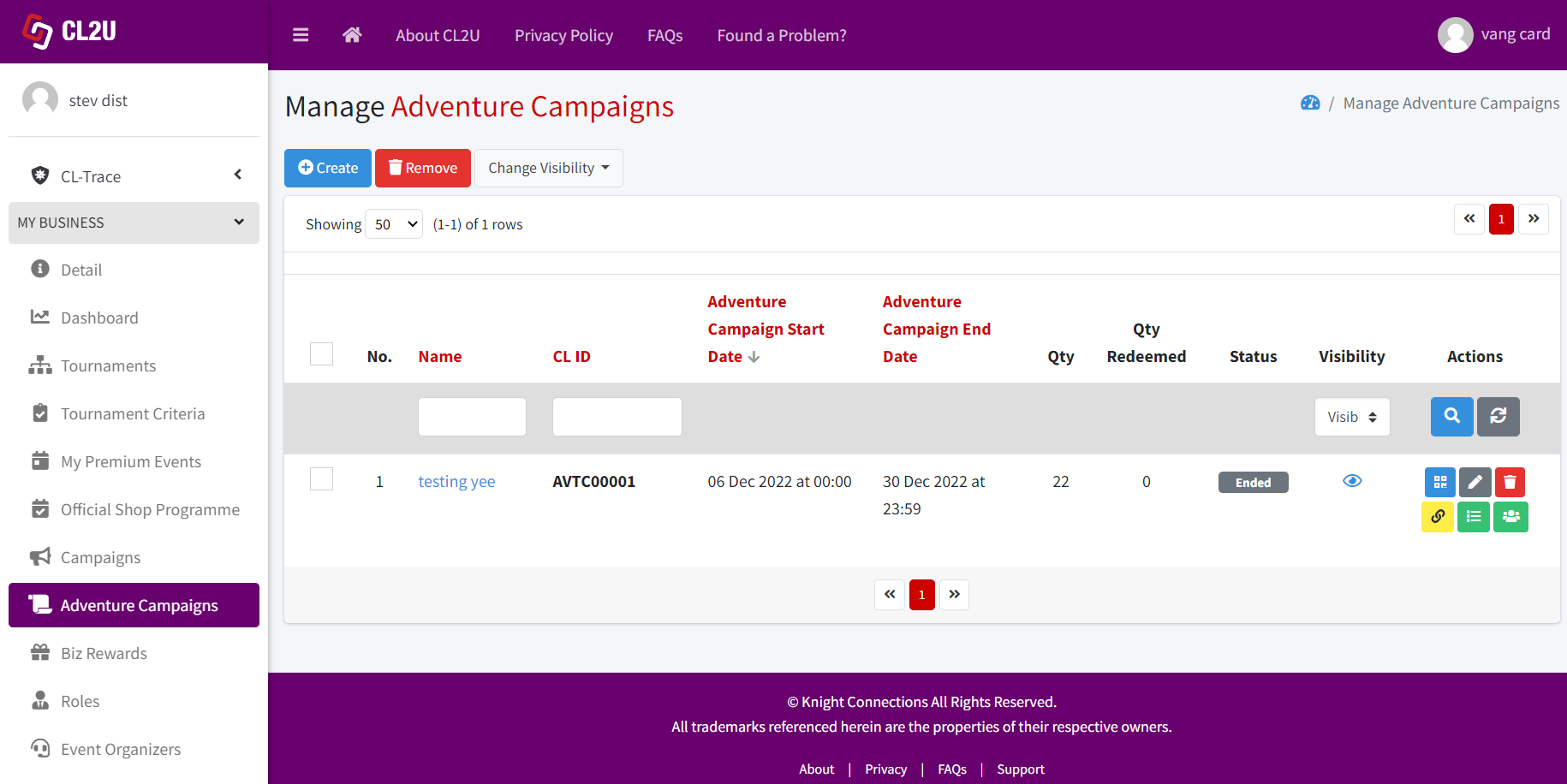
- A confirmation dialog will appear to confirm the deletion action. Click “Ok” if you have decided to delete the adventure campaign. Click “Cancel” if you want to cancel the deletion action.