
- Click “Shops” in the Navigation Bar.
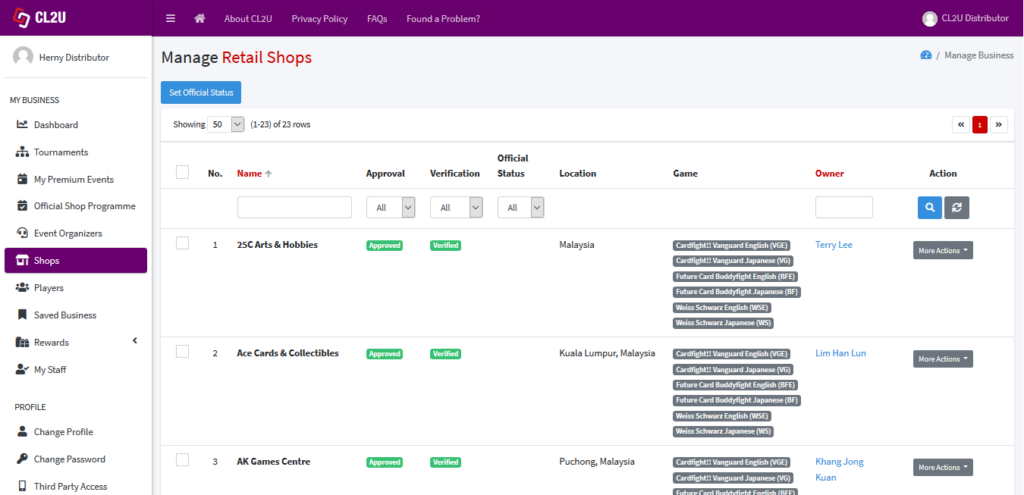
- In the Manage Retail Shops section, you can see the list of retail shops which are selling your products. You can search for a particular retail shop by input the name, approval, verification, official status, location, game, and owner, then click search button.
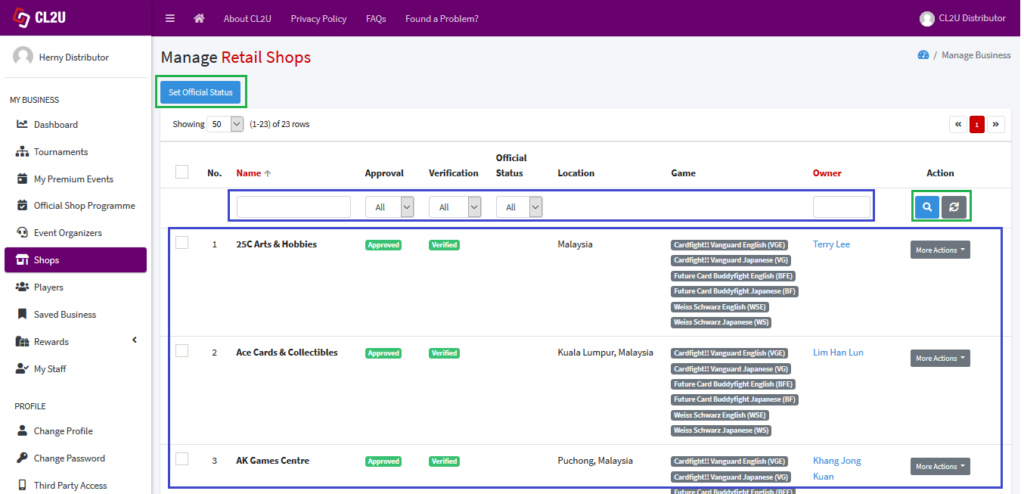 You can set the official status for the retail shops by click “Set Official Status”. User manual on how to give official status/badge for retail shops can be accessed in Give Official Badge to the Shops.