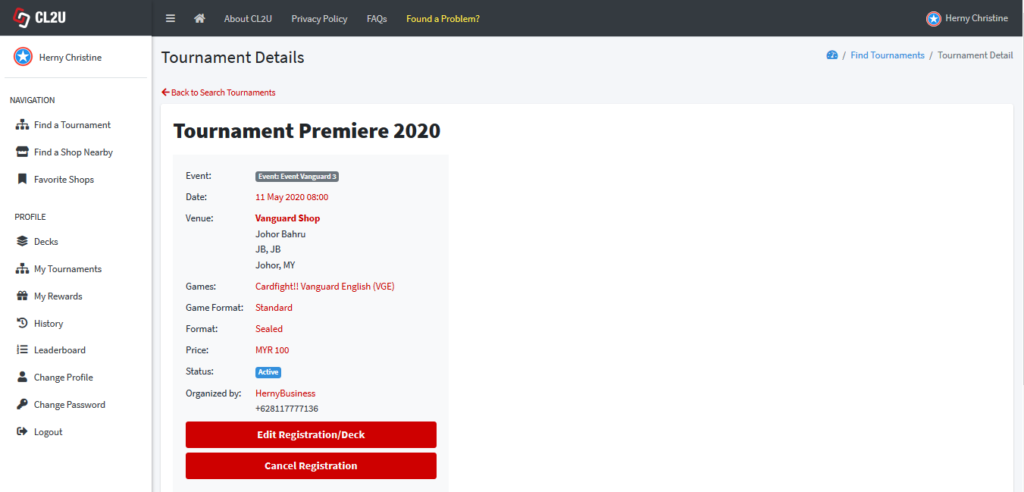
- Click “My Tournaments” in the Navigation Bar.
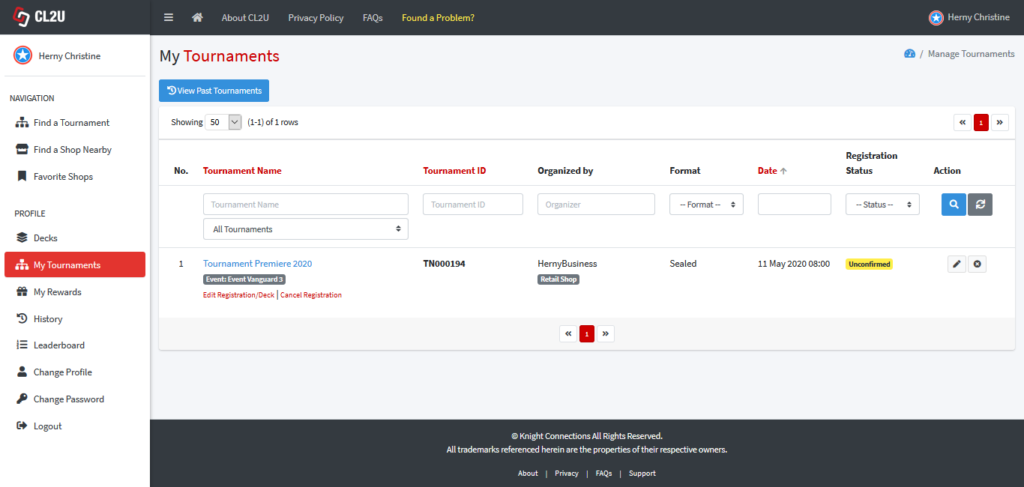
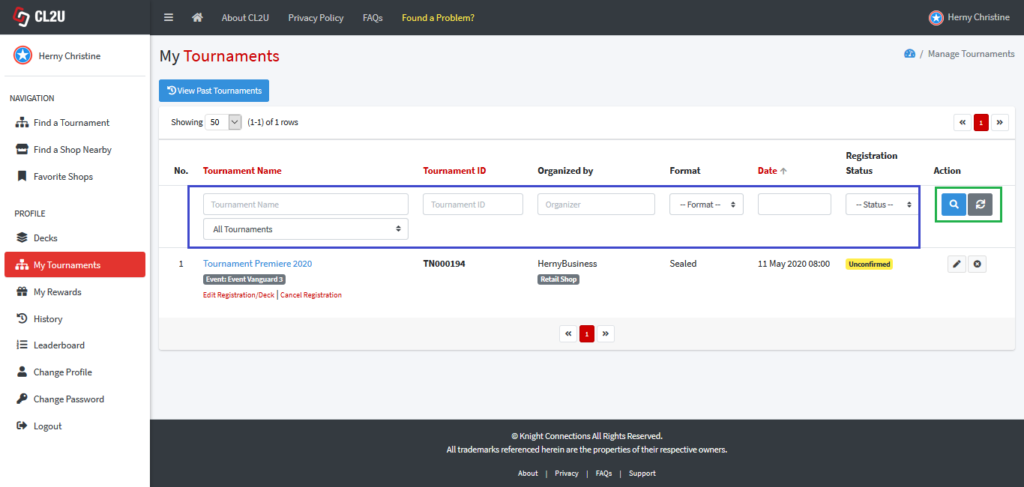
- You can filter and search the tournament by input the tournament name, tournament ID, organizer, format, date, and registration status. Click “Search” to search the data. Click “Refresh” to refresh the data.
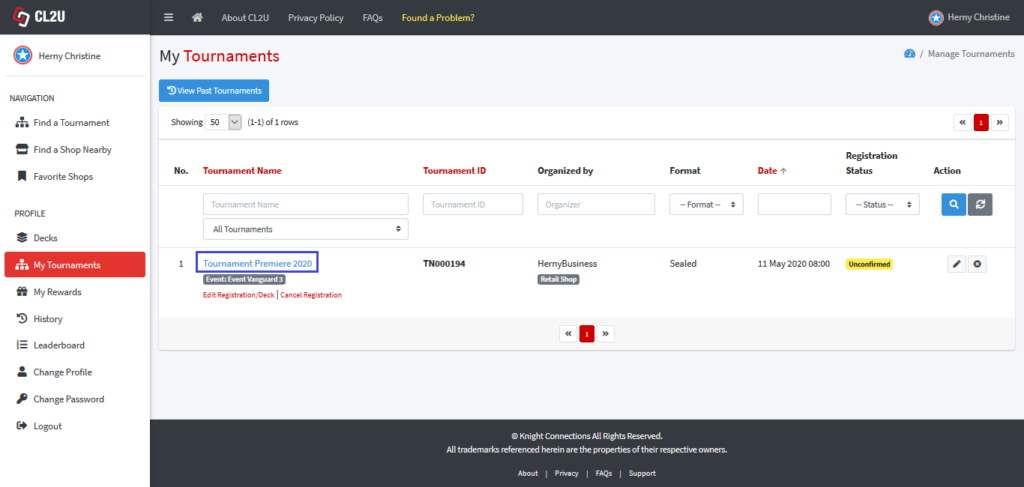
- To see the tournament details, click the tournament name. Following picture shows the tournament details (in this scenario, “Tournament Premiere 2020”).
 You can choose to cancel registration by click “Cancel Registration” button. You can choose to edit the registration form or deck by click “Edit Registration/Deck”.