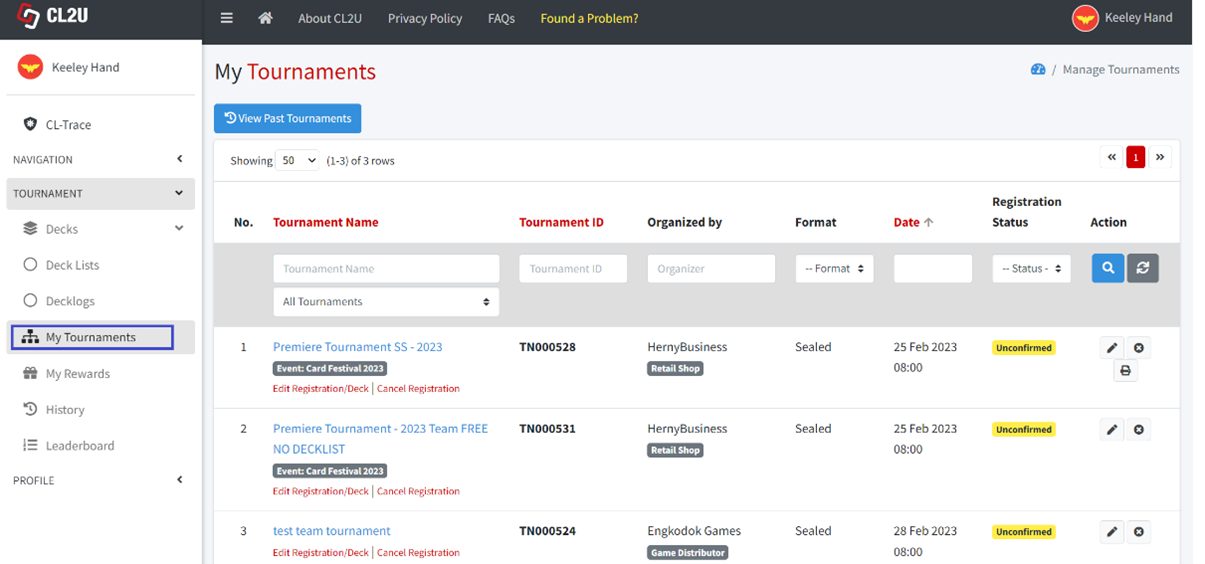
- Click Tournament -> My Tournaments menu at left side navigation bar.
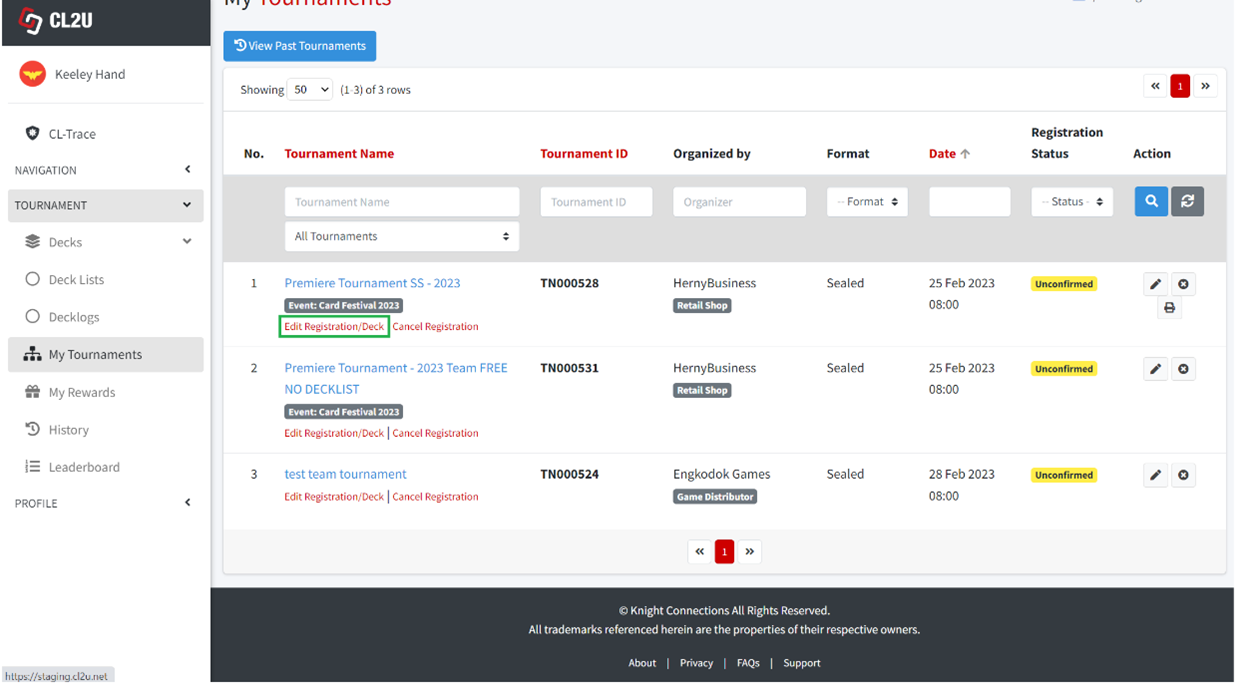
- Click “Edit Registration Deck” on the tournament that you want to edit the registration data.
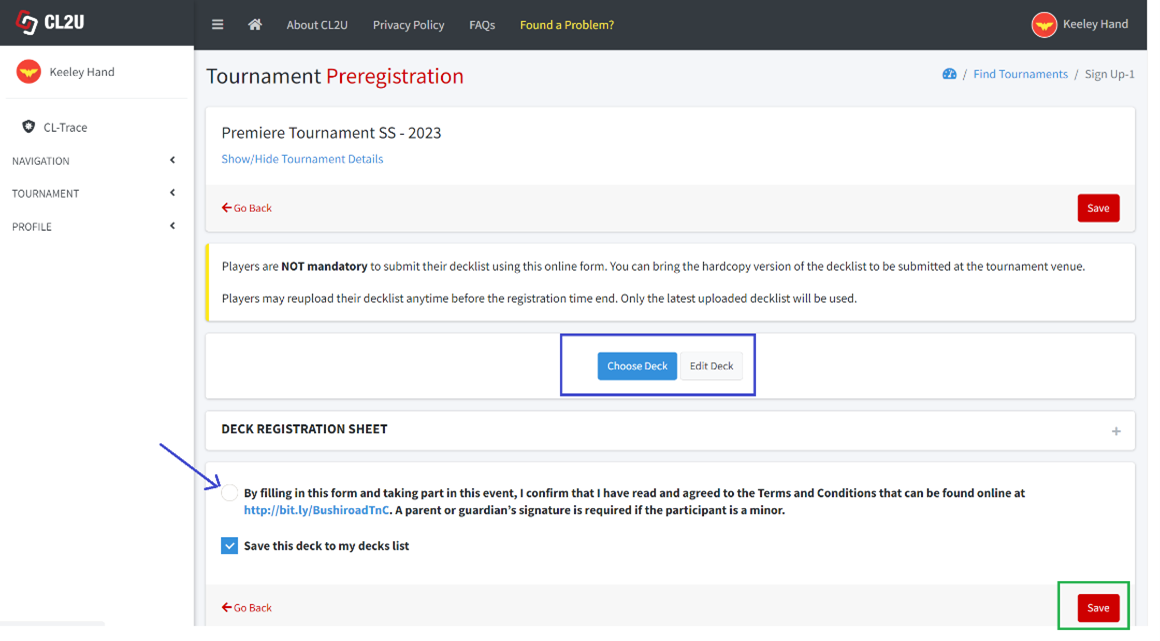
- Click “Choose Deck” to choose available decklist/decklog that you have created. Click “Edit Deck” to edit the deck registration sheet. Click on radio button to agree on terms and conditions. Click “Save” button to save the changes.