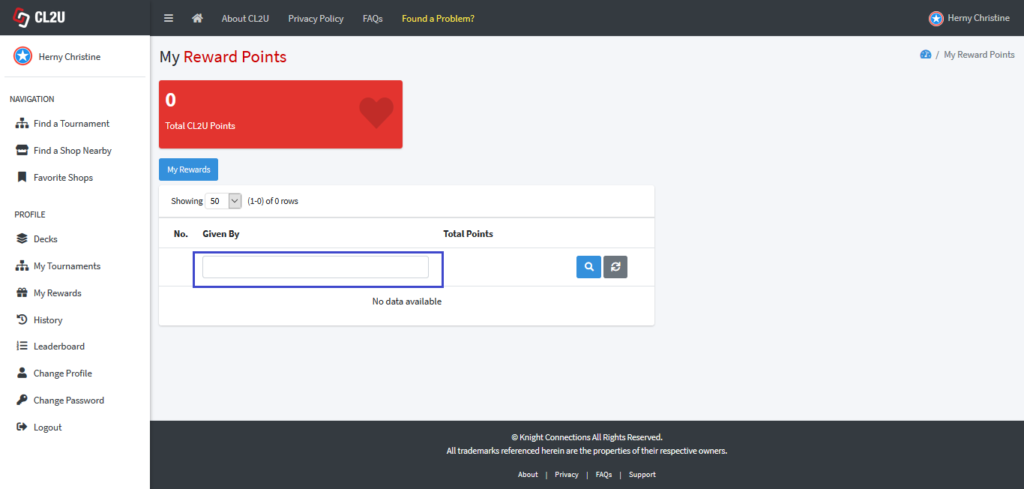
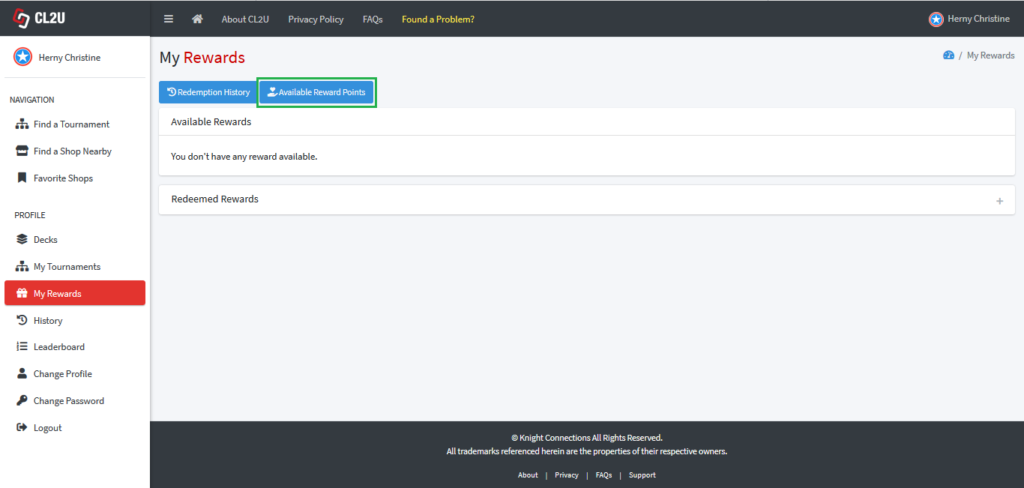
- In “My Rewards” dashboard section, click “Available Rewards Points” to see current available rewards points and redeemed history.
- Following picture shows the number of available rewards points and redeemed history.
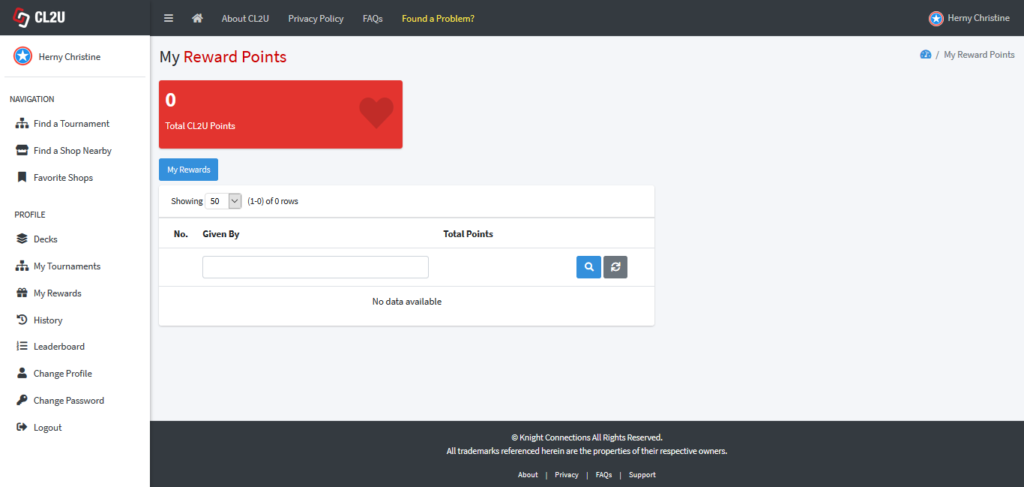
- You can search for specific redeemed history of shop/EO/distributor/publisher that gave the reward points by insert the name and click the search button. To refresh the data, you can click the refresh button.