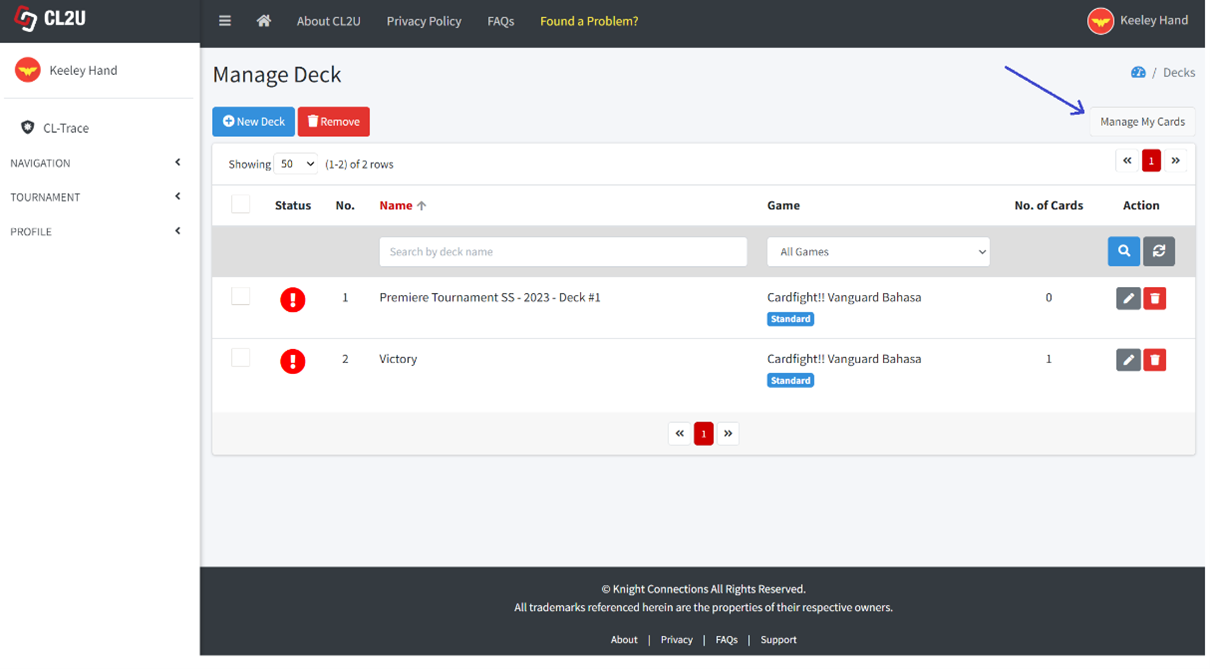
- Click “Manage My Cards” button.
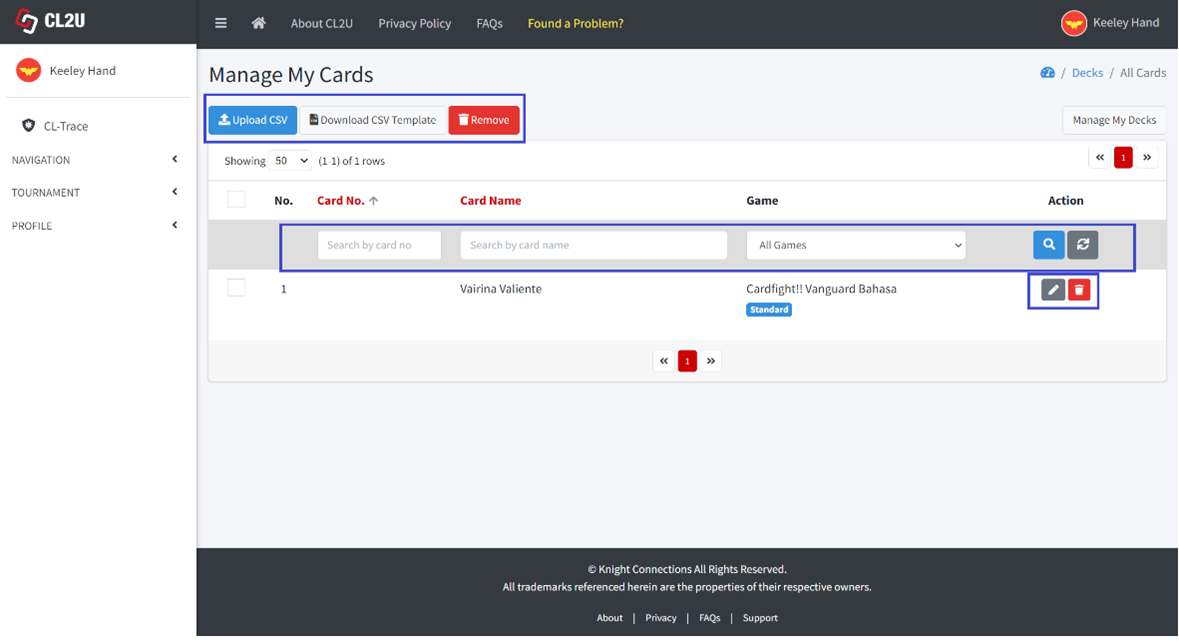
- You can find all of the cards which are existed in the decklists. Can search by card number, card name, and game type.
Click “Upload CSV” button to bulk adding cards by uploading CSV file. The CSV file template can be downloaded through click “Download CSV Template” button.
If you want to remove the card individually, may click trash icon. Or can tick on checkboxes for multiple cards that you want to remove at once and click “Remove” button.
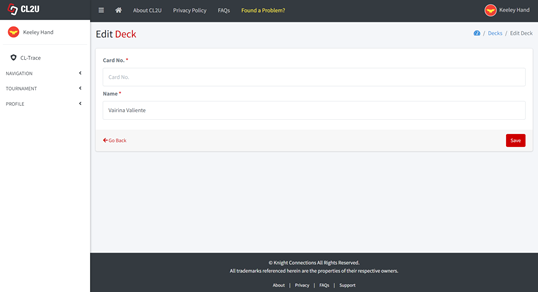
If you want to edit the card, may click pencil icon. Can edit the card number and card name. Click “Save” button to save the changes.